Feedback is always at hand, now with screenshots
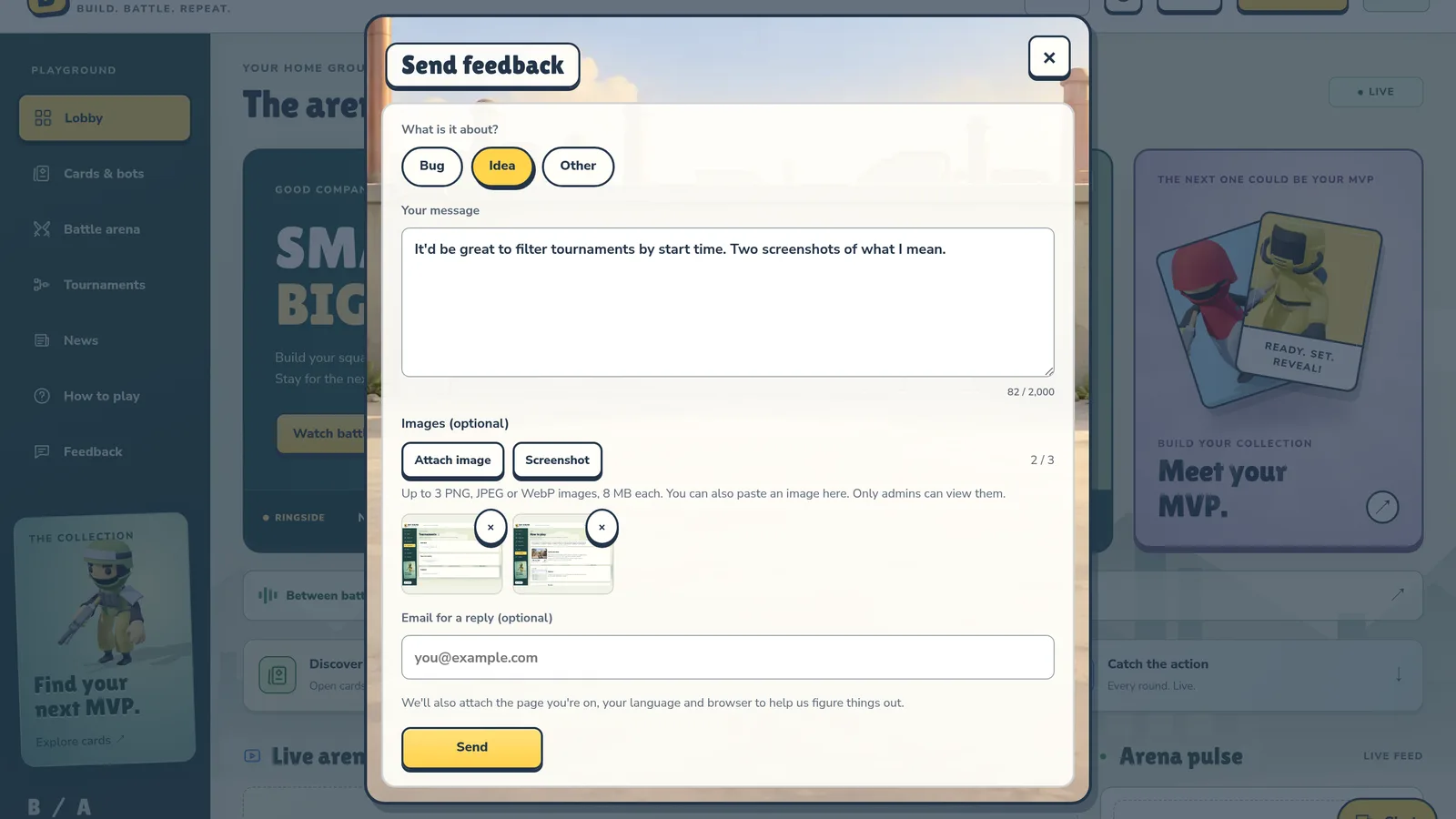
The Feedback button is now on every page, and you can show us exactly what you mean: attach a picture or grab a screenshot of the page.
Always at hand
The Feedback button now floats in the corner of every page, even over a match you're watching full screen. On a phone it's a small round icon, so it stays out of the way of the game. Tap it and the form opens right on top of whatever you're looking at.

Show, don't tell
Under Images (optional) you can add up to three pictures:
- Attach image: pick a PNG, JPEG or WebP file.
- Paste: copy a picture and press Ctrl+V (⌘V on a Mac) right in the form.
- Screenshot: grabs the current tab exactly as you see it. Computer only; your browser will ask for permission first.
Your images are seen only by the arena admins, nobody else.
Tell us
Spotted a bug, got an idea, or something just feels off? Hit Feedback, pick Bug, Idea or Other and send. We read every message, and the last update was built almost entirely from yours.