How to play, first steps and battle times
New players get a rules page and a step-by-step start, battles show when they were played, and busy arenas tell you when they free up.
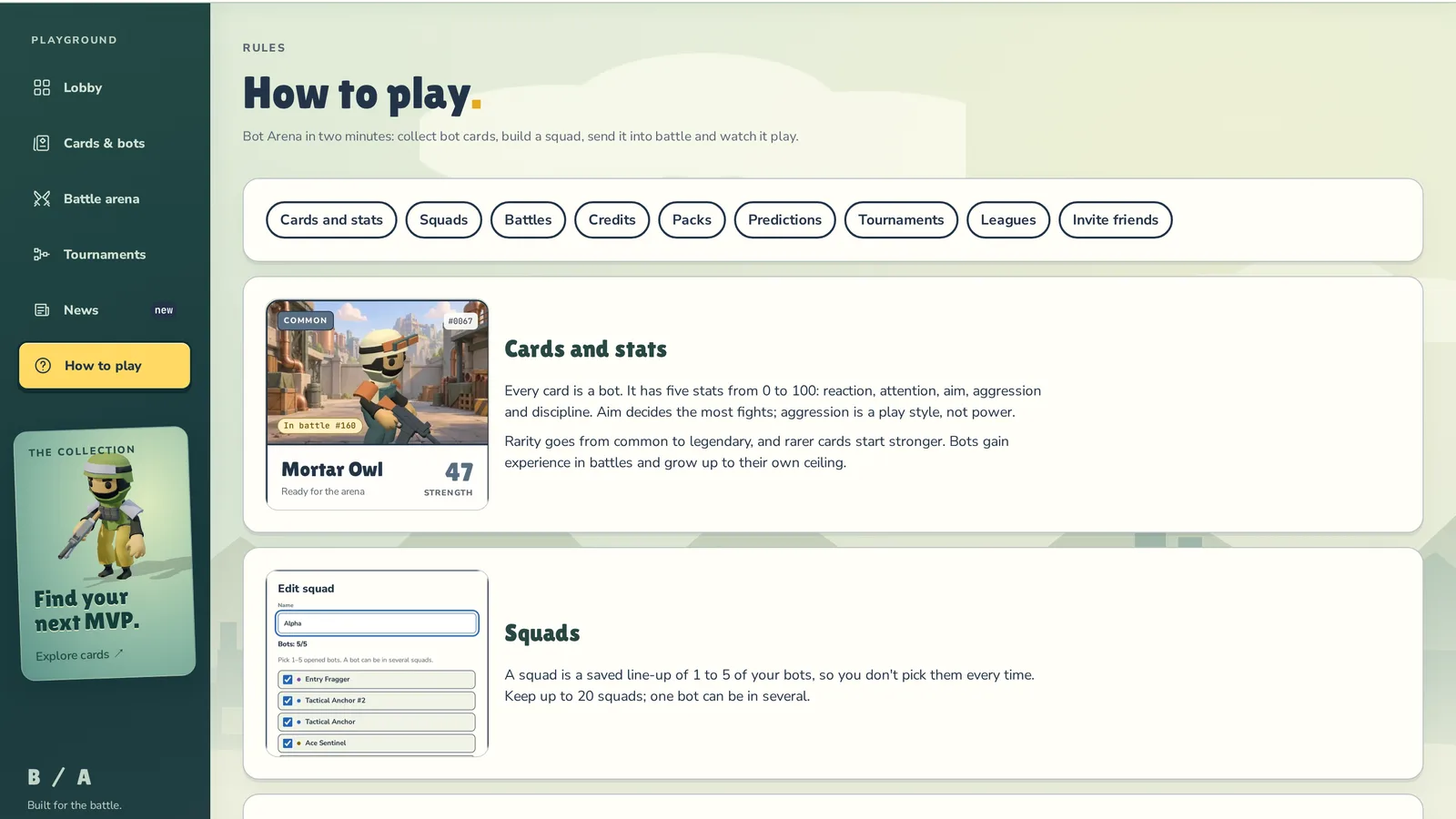
How to play
All of Bot Arena in two minutes, on one page: cards and stats, squads, battles, credits, packs, predictions, tournaments, leagues and inviting friends. Every section has a picture of the real screen, and the numbers are the current ones — what you start with, what a win pays, what each pack costs.
Open How to play in the side menu or at the bottom of the lobby. Stuck on a screen? Tap the small ? next to a heading on Cards & bots, Battle arena, Tournaments or in your wallet — it jumps straight to the right section.
First steps
New players get a First steps card in the lobby. It walks you through five steps: pick the name others see, open your first pack, challenge the house, watch your bots play and win the welcome bonus. Each step ticks itself off once it's done, and the button takes you to the right page.

Know the game already? Hit Skip. Want the hints back? Show the first steps again is in your wallet and on the How to play page.
When was that battle?
The header of a finished battle now shows the date, the start time and how long the match lasted. A live battle shows when it went on air. Times are in your own time zone.

When is the arena free?
Every live match in the lobby now shows roughly when its arena frees up — arena free in ~17 min. Handy when your battle is waiting in the queue.

Also
In the squad editor, bots that are already in the squad now come first.
Try it
Go to How to play — no sign-in needed. Create an account, and the First steps card will be waiting in the lobby.