Notifications: the arena calls you when it matters
Challenges, your battles, tournaments, clutches and news can now reach your browser or phone, even with the arena closed.
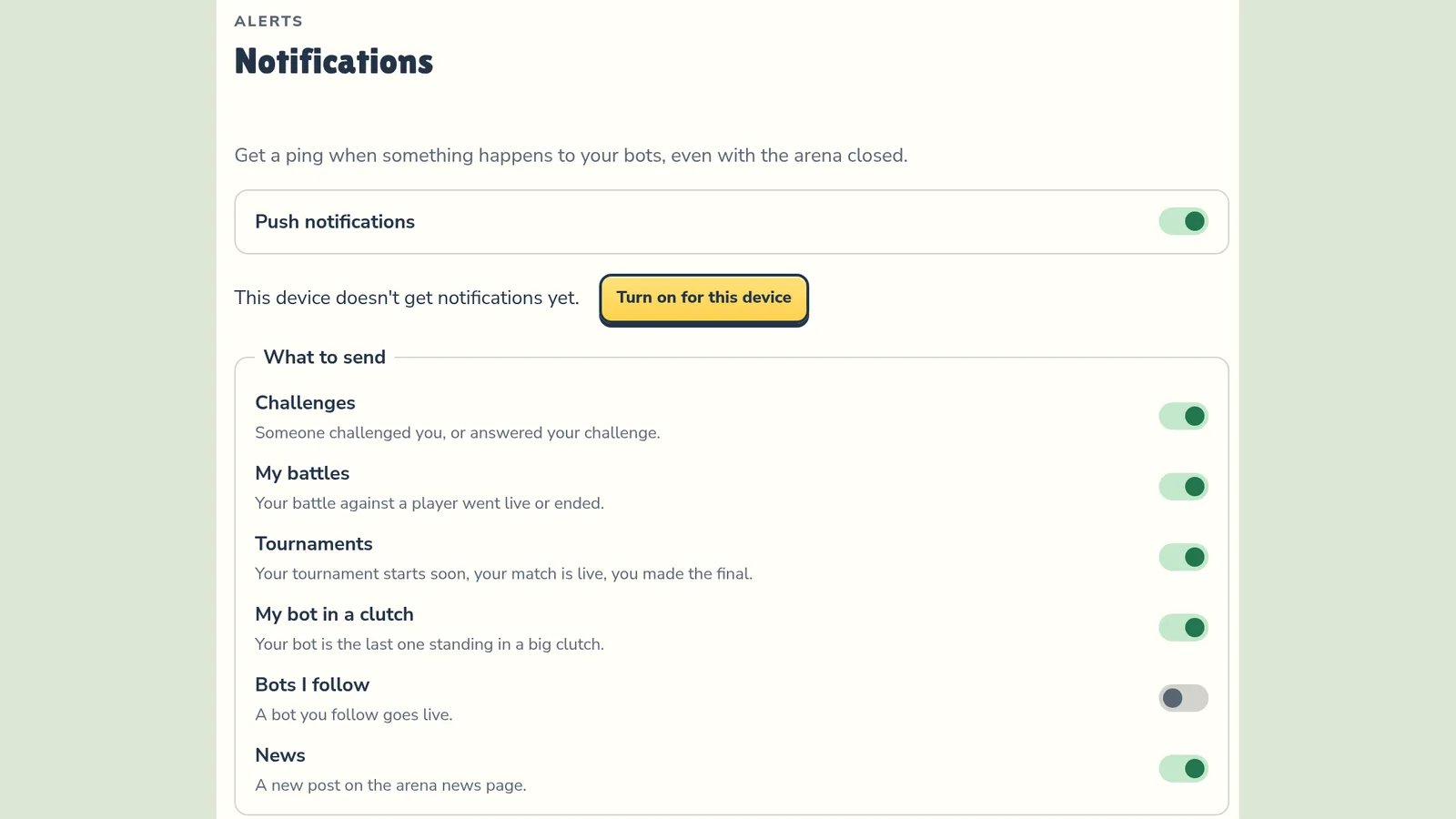
What you get
The arena can now ping your browser or phone, even with the site closed:
- Challenges — someone challenged you, or accepted or declined your challenge.
- My battles — your battle against another player went live or ended.
- Tournaments — your tournament starts soon, your match is live, you made the final.
- My bot in a clutch — your bot is the last one standing against several enemies. Tap the alert to jump straight to that moment.
- Bots I follow — a bot you follow (the Follow button on its card) goes into battle.
- News — a new post on the news page.
Nothing arrives until you turn it on. Then challenges, battles and tournaments are on by default; the rest is up to you. Several alerts about one battle are merged into one.
Where to find it
Sign in and click your name in the top-right corner: the Notifications section is on your account page. On a phone, open Wallet in the bottom menu and scroll down to Notifications.

How to turn it on
- Flip Push notifications on and allow notifications when your browser asks.
- Under What to send, pick the types you want.
- Tap Send a test notification to see how it looks.
Each browser and phone is turned on separately; remove any under Subscribed devices.
iPhone and iPad: first add the arena to your Home Screen (Share → Add to Home Screen), open it from the new icon, and turn notifications on there.